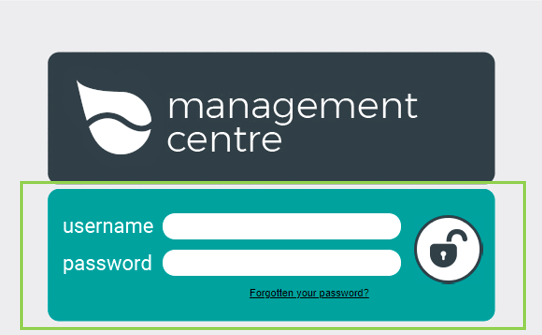
- Open & log into Management Centre
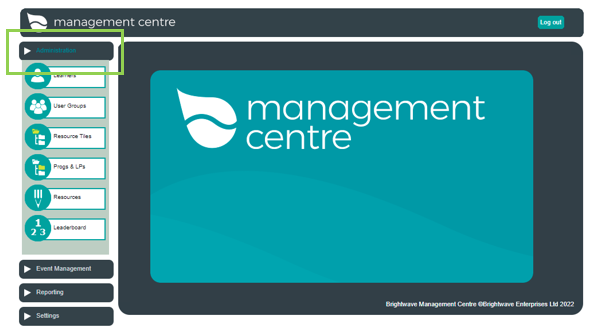
2. Click the 'Administration' tab
3. Now click the 'Resources' tab
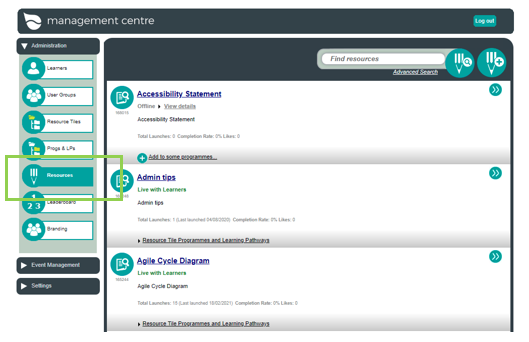
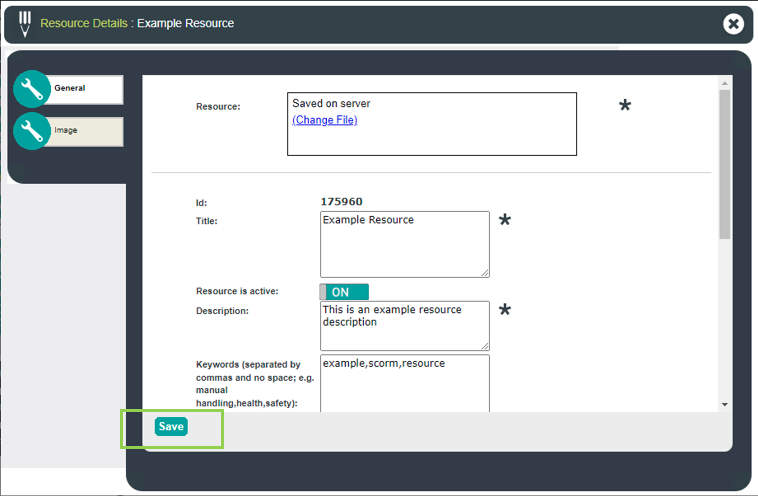
4. Search and then choose a resource from the provided list. Once chosen, utilise the toggle 'Resource is active' to define whether the resource is online or offline. (Please note this does not delete the resource, simply hides it from view.)
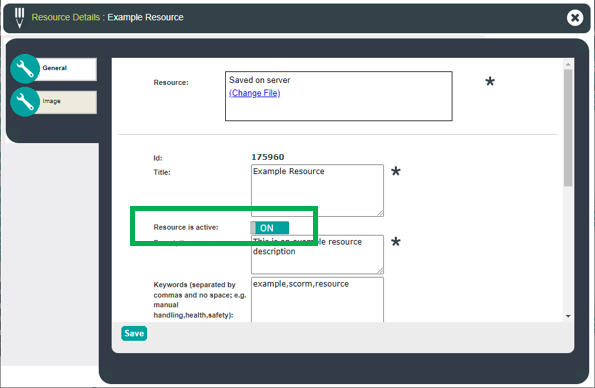
5. Click 'Save'